
ROBOTS & THE HOME
LG CLOiD and the next wave of household robots
One robot folds laundry. Another reaches for obstacles in the garden. A portable device smooths your shirt while you get ready. Which of these ideas is real today?

The most interesting home technology of 2026 is starting to do something physical. It is moving beyond a voice command to pick up, carry and handle everyday objects. LG CLOiD is an unusually clear glimpse of that future.
What LG CLOiD showed
At CES 2026, LG presented CLOiD as part of its “Zero Labor Home” vision. LG says its AI and vision-based robot can work with connected ThinQ appliances and demonstrated household tasks involving food and laundry. Its arms and hands are designed to manipulate objects in a home environment. LG’s CES announcement describes the concept and demonstrations.
Imagine asking the robot to manage a wash, then returning to clothes that have been handled and folded. That is the appeal. A trade-show demonstration, however, does not establish that it can reliably handle every garment, kitchen or household without supervision. LG has not provided a confirmed UK consumer price or release date for CLOiD as of this article’s source check.
The milestone is physical help around ordinary appliances—not simply another appliance with a chatbot.
Two other gadgets to watch

MOVA AstraX is a robotic lawn-mower concept with an arm. MOVA showed it at IFA 2026 as an example of a garden machine that could interact with its surroundings rather than merely navigate around them. The manufacturer has not established a UK retail price or launch date for AstraX. MOVA’s IFA report.
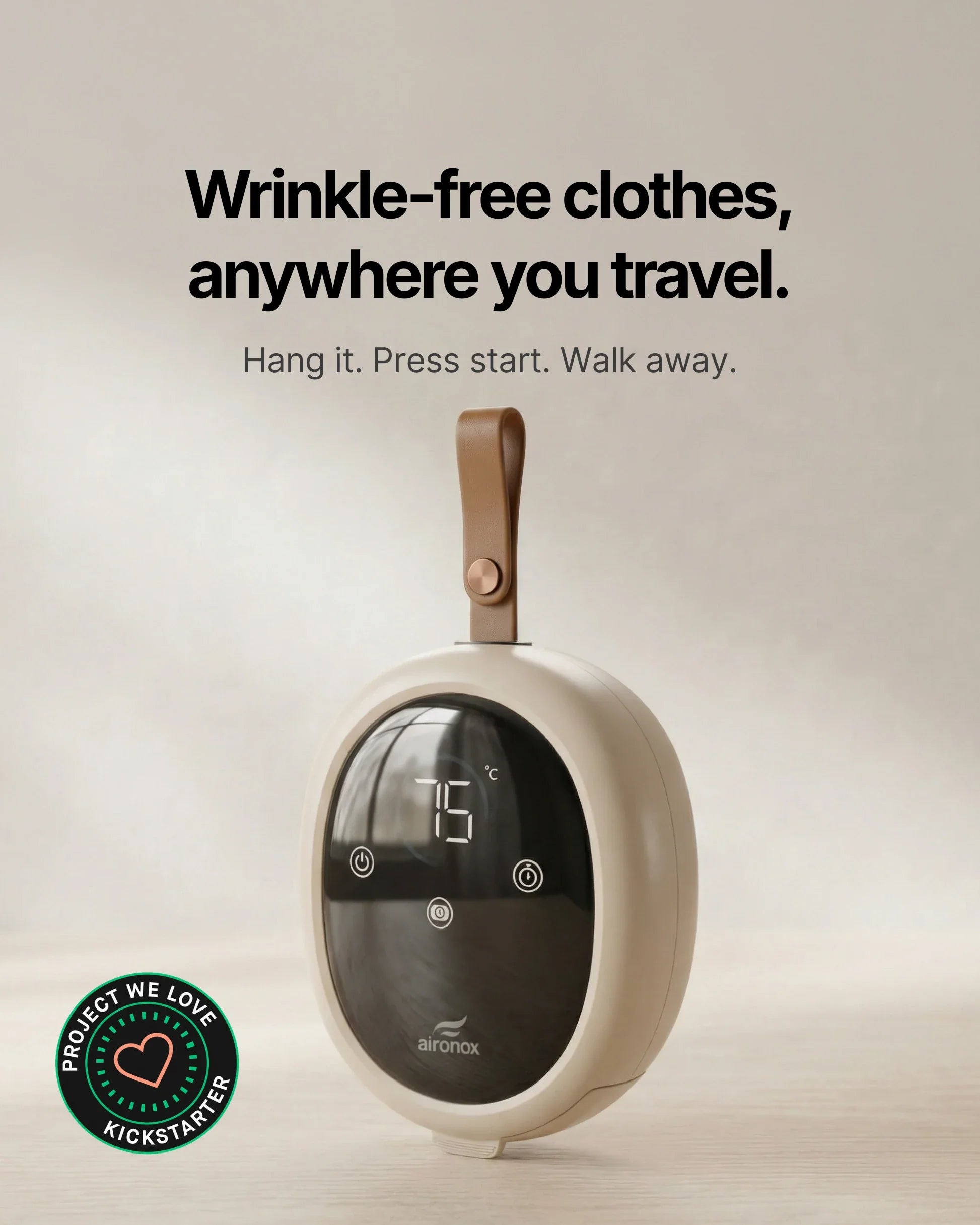
Aironox GO takes a smaller, more immediate approach: a packable automatic garment-care device that uses controlled warm air to dry, smooth and refresh clothing without a conventional iron or water tank. The maker says results are best with a slightly damp or lightly misted garment, so “waterless laundry” would be an inaccurate description. Its website offers pre-orders; check delivery, returns and UK electrical compatibility before considering one. Aironox GO product details.
What would make CLOiD worth buying?
We would want evidence of reliable handling of delicate items, safe movement around people and pets, clear privacy controls for its cameras, easy servicing and a realistic total price. A robot that works in a controlled demonstration still has to cope with clutter, changing layouts and the unpredictable rhythm of a real home.
THE LIVING SELECT VIEW
A compelling preview, not a shopping recommendation.
CLOiD and AstraX show how robots may begin to manipulate the physical world. Aironox GO is closer to a purchasable product but has its own practical checks. We will revisit the robots when UK availability, price and independent use can be assessed.
Editorial research, not hands-on testing. Product claims come from their makers; no affiliate purchase links are used in this article. Sources checked 25 September 2026.
Explore The Edit →